Standard portrait photo size
Here’s a standard portrait photo size from Striking Places Photography. The measurements, in pixels, are 2048 x 3077. This is an aspect ratio of 2:3. The height is one and a half times longer than the width. You can have any aspect ratio you like! 🙂
Before the photo was uploaded to this WordPress website the size was 1.2 MBs

Download the photo
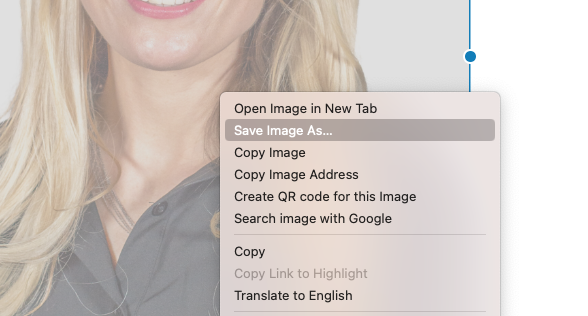
When I download this photo from the website by right-clicking and saving as..
Here’s what it looks like on a Mac when you right-click on this kind of photo.
Reduced size on upload to WordPress
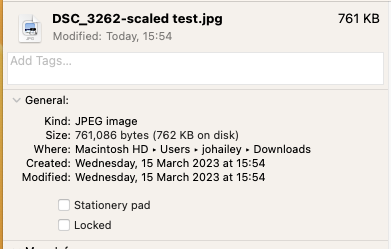
It has presented the photo on the page as the same shape or aspect ratio but reduced it to 1704 x 2560 pixels and 762 KB. So, as soon as it is presented on the website, it has a reduced size.
If the file dimensions are too big
If these file dimensions are too large for the purpose. Perhaps you’d like to show a photo of each person in a smaller size. You can still use the picture that was initially uploaded to the website, which is in your media gallery:
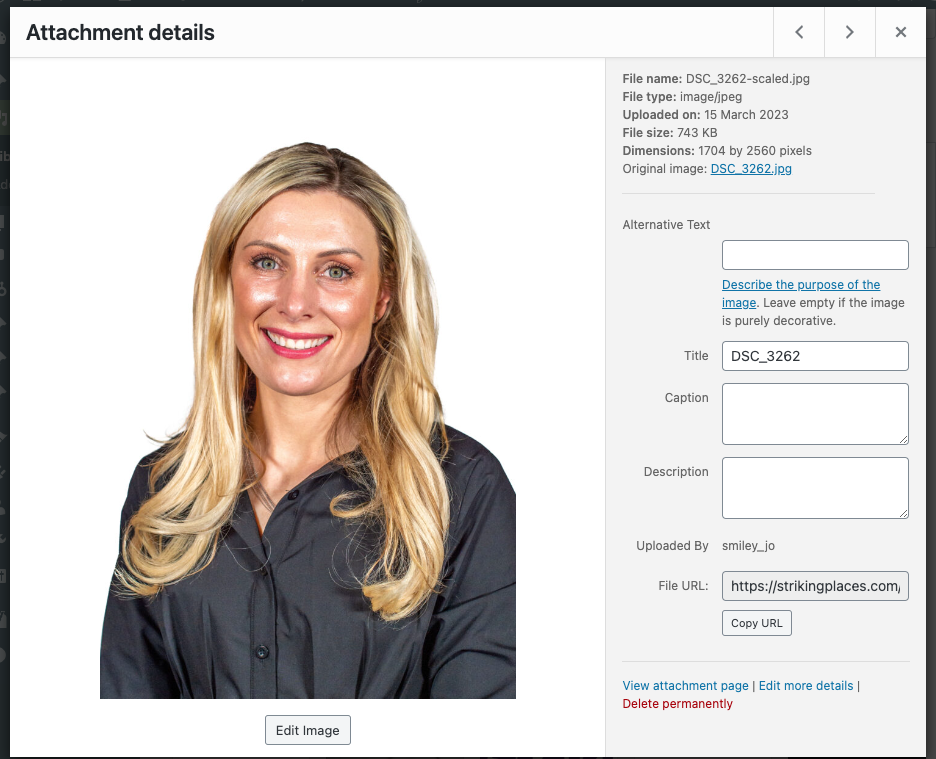
Here you can see I’ve taken a screenshot of the photo in the WordPress media gallery on this website. I’ve picked full size, but only 50%
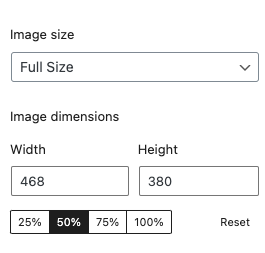
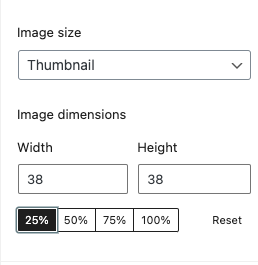
Then if you want the photo to appear medium size, you can change it from the panel on the right. Where you have the option to resize:
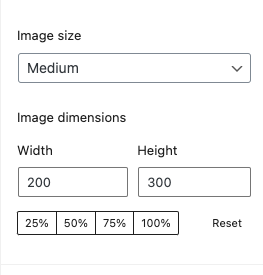
A short video of how to choose different different sizes of photos
When I download the medium size image to look at the image size, you can see from the screenshot below it has reduced the dimensions again to a selectable 200 x 300 pixels and the image size is now 35 KB.
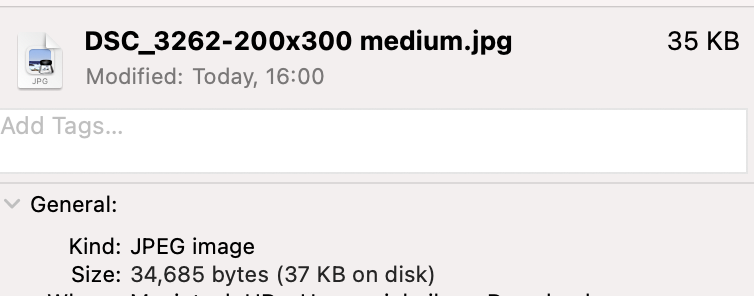
You can choose the quality of the image and denote the number of pixels from within WordPress.
I will go to the smallest size possible now from the same photo in the media gallery to see how low we can go.
The size of this thumbnail is 150 x 150, so it’s square, of course. The size is now 28 KB.