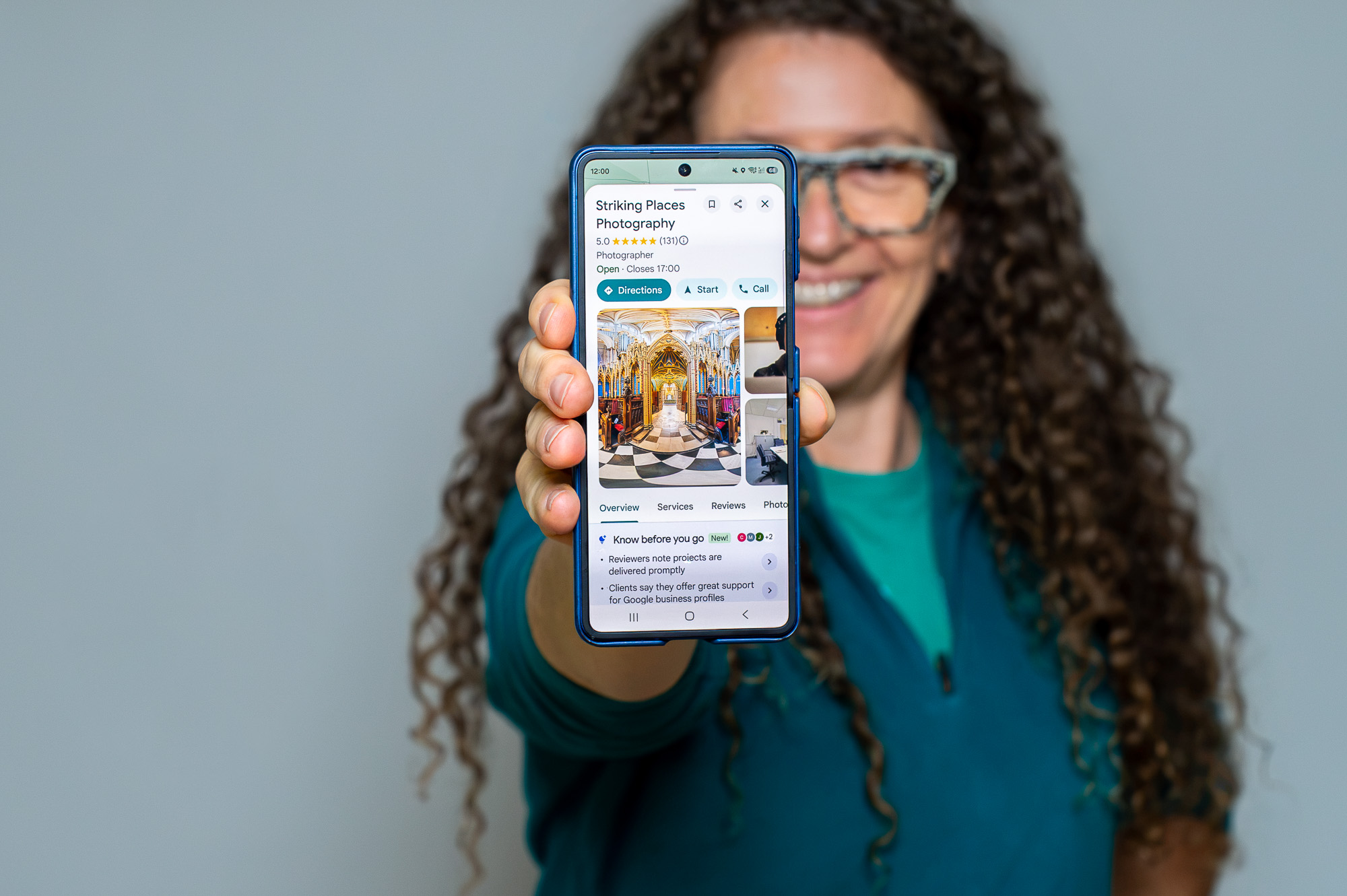
If someone is going to help with your Google Business Profile, add them as a manager. They get their own access with their own login, so you never have to share your password. You stay the owner and you can take them off again whenever you like.
It only takes a couple of minutes on a computer. There’s a short video below showing every step.
Before you start
- You need to be an owner of the profile. Managers can’t add other people.
- Sign in to the Google account that owns your profile.
- Have the email address of the person you’re adding to hand. If you’re adding me, it’s [email protected].
On a computer
- Go to business.google.com or search Google for your business name while you’re signed in. Your profile opens with your owner tools.
- Click the three dots (More) and choose Business Profile settings.
- Click People and access.
- Click Add (the person with a plus sign, top left).
- Type in the email address.
- Under Access, choose Manager.
- Click Invite.
Only got your phone?
At the moment Google doesn’t let you add people from the Google Maps app. On some phones the website jumps straight back to the app too. So it’s easiest to do it on a computer.
Only got your phone with you? WhatsApp me and I’ll talk you through it.
What happens next
The person gets an email from Google asking them to manage your profile. Once they accept, they show up under People and access and Google emails you to say so.
If they haven’t had the email, ask them to check their junk folder. Any invitation that’s still waiting shows under Pending on the same screen.
Can’t see People and access or the Add button?
Then the account you’re signed in with is probably a manager, not an owner. Ask whoever set the profile up to make you an owner first or to add the new person themselves.
If you don’t know who owns it or the person who set it up has left, message me. Getting a profile back from someone else is something I sort out a lot. There’s more on this in my post on common Google Business Profile problems.
Adding someone who doesn’t use Gmail
The person you invite needs a Google account for the email address you use. If they have a work address like [email protected], they may need to make a Google account with it first. They can do that at accounts.google.com by choosing Create account, then Use my current email address instead. Then they can accept your invitation.
Taking someone off
Go back to People and access, find their name and remove them. You can do this any time and it doesn’t affect your profile or your reviews.
Working with me?
Add [email protected] as a Manager. When your invitation comes through I’ll accept it and send the invoice for the service you’ve chosen.
Stuck at any point? WhatsApp me on 07966 086133 and I’ll talk you through it.